System Logs
Path: /logs
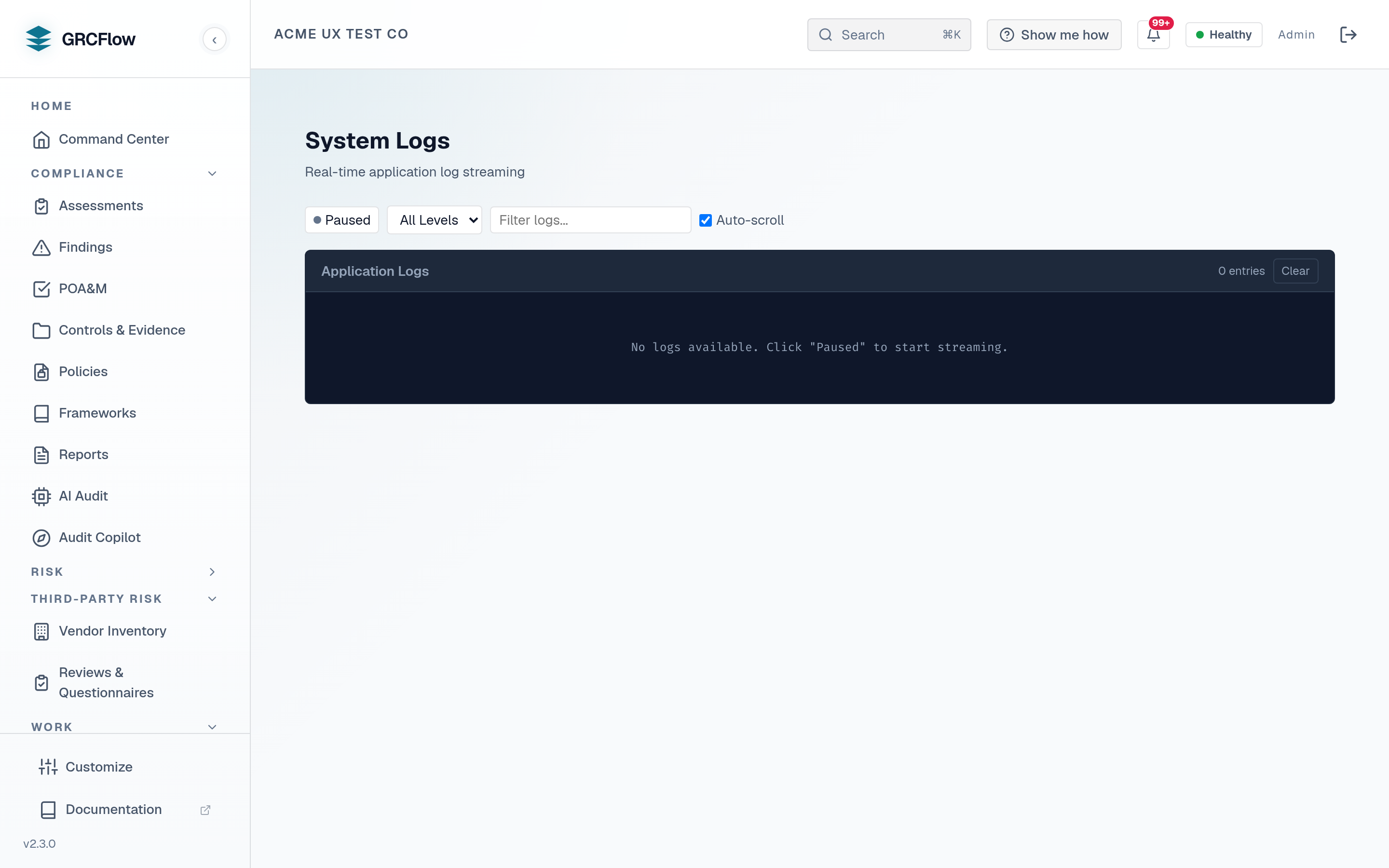
Application-level system logs for debugging and monitoring. Shows recent backend log entries with structured JSON output.
This view is admin-only (system-administrator access) and is not reachable by API keys. The logs are platform-wide, not per organization.
Live stream
The Paused / Live button opens a Server-Sent Events stream. A browser cannot
attach an Authorization header to such a stream, so the page first requests a
stream ticket with an authenticated call and then connects with it:
POST /api/v1/system/logs/stream-ticket(system administrator; sent with the session and CSRF header like any other write) returns{"ticket": "...", "expires_in": 30}.GET /api/v1/system/logs/stream?ticket=...opens the stream.
The ticket is opaque, expires after 30 seconds, opens one connection and is bound to the administrator who requested it; the administrator role is checked again when it is redeemed. Tickets are kept in Redis (only a SHA-256 hash is stored); if Redis is unavailable the stream cannot be started (503).
The session access token is never put in the stream URL. Before 2.3.1 the
stream accepted ?token=<access token>; that parameter is now refused with
401, because URLs are written to reverse-proxy access logs and browser
history. The only credential a proxy log can now contain for this page is a
ticket that has already been used. Scripts that tail the stream should send the
Authorization: Bearer header instead (no ticket needed), for example
curl -N -H "Authorization: Bearer $TOKEN" https://grc.example.com/api/v1/system/logs/stream.
If the stream drops (network change, proxy timeout) the page shows Paused; click it again to reconnect with a fresh ticket.
Secret redaction
Before an event is stored in the in-memory buffer behind this page, secret-named
fields and credential-shaped content are replaced with [REDACTED]: fields named
like password, secret, token, api_key, authorization or cookie, and
values that look like SQLAlchemy bound parameters, bcrypt hashes, JWTs,
bearer/sk- credentials, Fernet tokens, AWS key ids or PEM private keys.
Diagnostic text is kept, and plain stdout logging is unchanged.