Policy Engine (OPA)
Path: /policy-engine
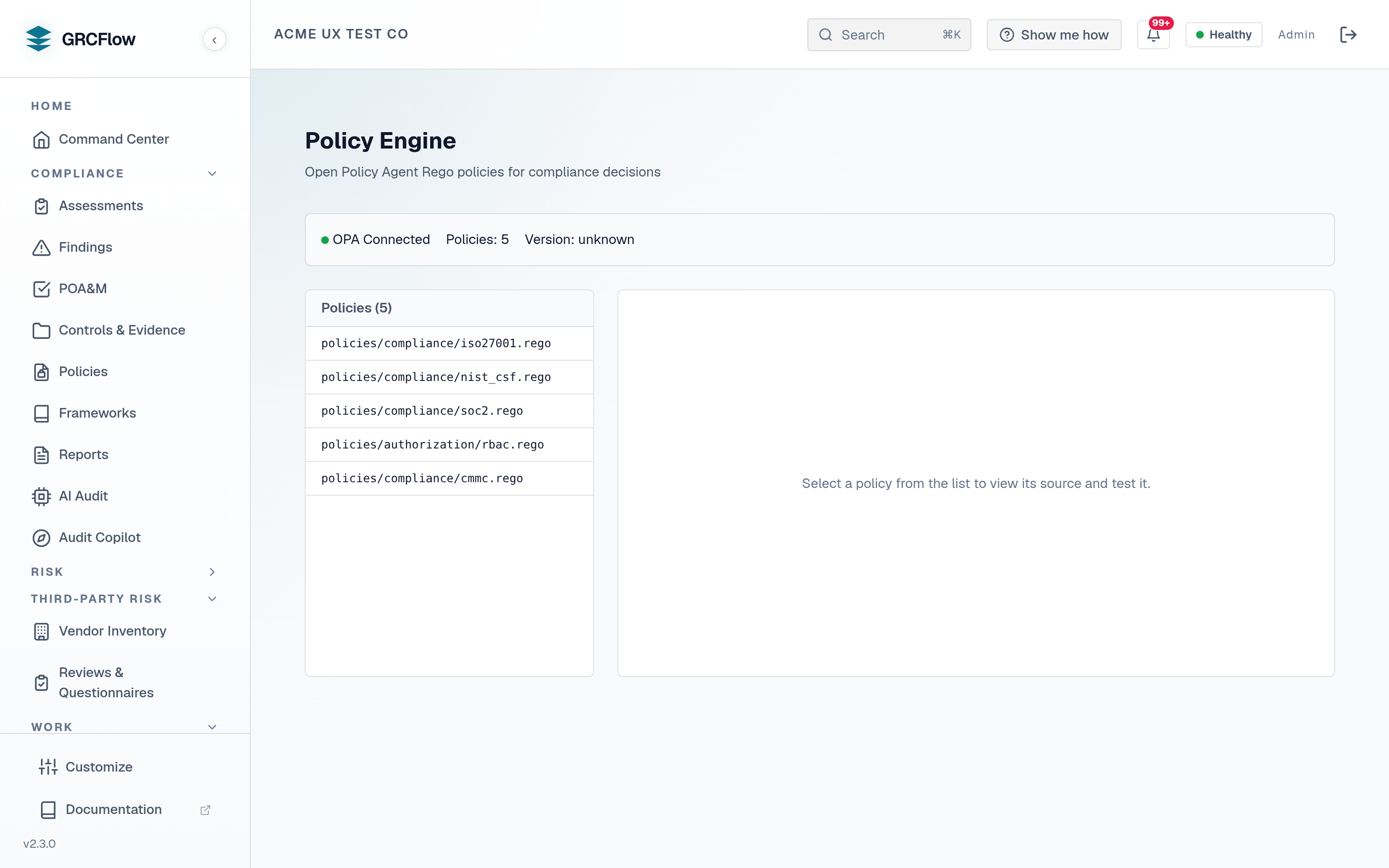
Manage Open Policy Agent (OPA) Rego policies. These are the technical policies that define pass/fail rules for automated control checks.
Prerequisites — OPA sidecar required
Automated policy evaluation is not turnkey out of the box. It depends on the optional OPA sidecar (available in the full-source / full-feature deployment, not the minimal published-image stack). A stock install without the sidecar leaves automated control checks off — the System Health page reports OPA as not configured and the in-app Setup readiness checklist lists it under Optional add-ons (safe to skip until you need it). The administrative-policy lifecycle on the Policies page still works without OPA; only the automated pass/fail evaluation and the Data Sources compliance queries it scores require the sidecar.
Key Elements
- Policy list — Shows loaded OPA policies with their paths and status.
- OPA Status — Check the health and configuration of the OPA service.
- Test — Run test evaluations against your policies.
How to Use the Policy Engine
- Review loaded policies to understand what rules are being evaluated.
- Link OPA policies to administrative policies (from the Policies page).
- Test policy decisions by providing sample input data.