System Health
Path: /system-health
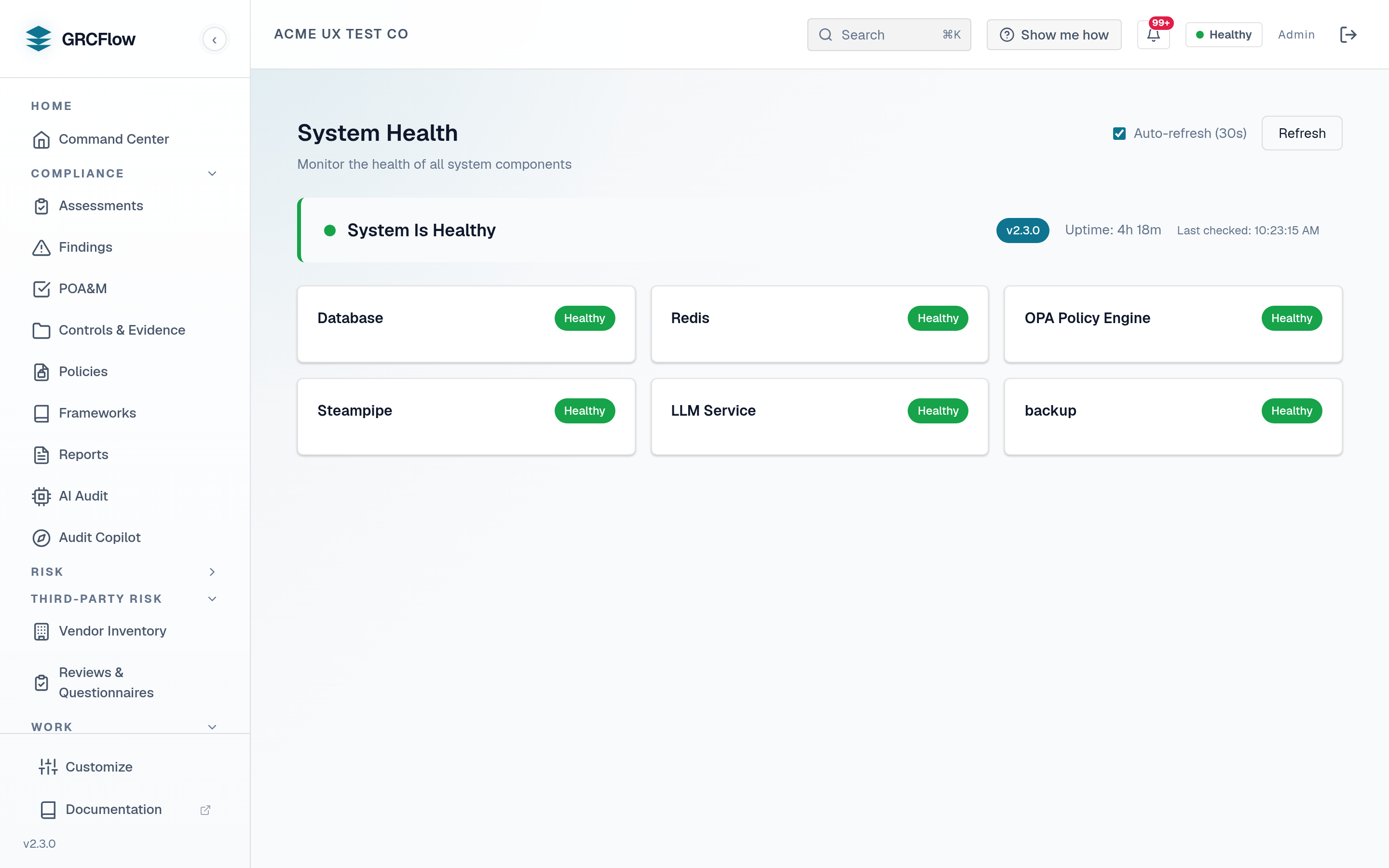
Real-time system health monitoring showing the status of all infrastructure components.
Key Elements
- Overall status banner — Healthy (green), Degraded (amber), or Unhealthy (red).
- Version and uptime — Current software version and how long the system has been running.
- Component cards — Individual status for each component:
- Database (PostgreSQL) — Primary data store.
- Redis Cache — Session and query cache.
- OPA Policy Engine — Automated policy evaluation.
- Steampipe — Cloud infrastructure querying.
- LLM Service — AI audit assistance.
- Auto-refresh — Toggleable 30-second auto-refresh with manual refresh button.
Status Meanings
| Status | Description |
|---|---|
| Healthy | Component is running normally |
| Degraded | Component is running with reduced functionality |
| Unhealthy | Component is not responding |
| Unknown | Component status could not be determined |
Tip
"Degraded" overall status typically means the LLM service is not configured — all other components should be Healthy.